Getting genuine search traffic is harder than ever before. Algorithms constantly improve, making non-human traffic easy to detect. If your website is stuck, the problem might be your Click-Through Rate (CTR). Search engines view a low CTR as a signal that your content is simply not relevant.
Old-style traffic bots perform robotic, predictable actions. These clicks are easily flagged as inorganic traffic. This is why we created the first AI-powered CTR bot solution. Awesome Traffic Bot (ATB) solves this core problem. As explained before, CTR bots work by simulating realistic user behavior, and ATB does this better than any mechanical bot on the market.
Just like our DeepSeek integration, Our Traffic Bot now offers full support for Google’s powerful Gemini AI. This addition brings multi-model intelligence and deeper context to your automation tasks. It makes your traffic campaigns smarter and more effective, just tailored to your AI preference.
Gemini AI brings its multi-modal architecture to your campaigns. This means it thinks faster and makes better decisions. It handles complex workflows that static bots cannot process.
Gemini offers fair costs and incredible value for most users. Google also offers several Gemini models, from V1 to the powerful V2 Flash, which provide exceptional value.
Awesome Traffic Bot gives you access to multiple Gemini models. The best one for you depends on your specific campaign needs.
| Gemini Model | Best For | Key Feature |
| Gemini V1 | Basic, straightforward automation tasks. | Reliable performance at baseline cost. |
| Gemini V2 Flash | Advanced campaigns and moderate complexity. | Fast, intelligent decision-making and optimal cost-efficiency. |
| Gemini V3 Pro | Deep contextual automation and tricky workflows. | Highest level of reasoning and complex problem-solving. |
For most complex CTR tasks, Gemini V2 Flash provides the perfect balance. It is fast, intelligent, and highly effective for advanced campaigns. The following steps focus on setting up and using this powerful model.
Getting Gemini set up and running in ATB is simple. You just need a key and a few clicks.
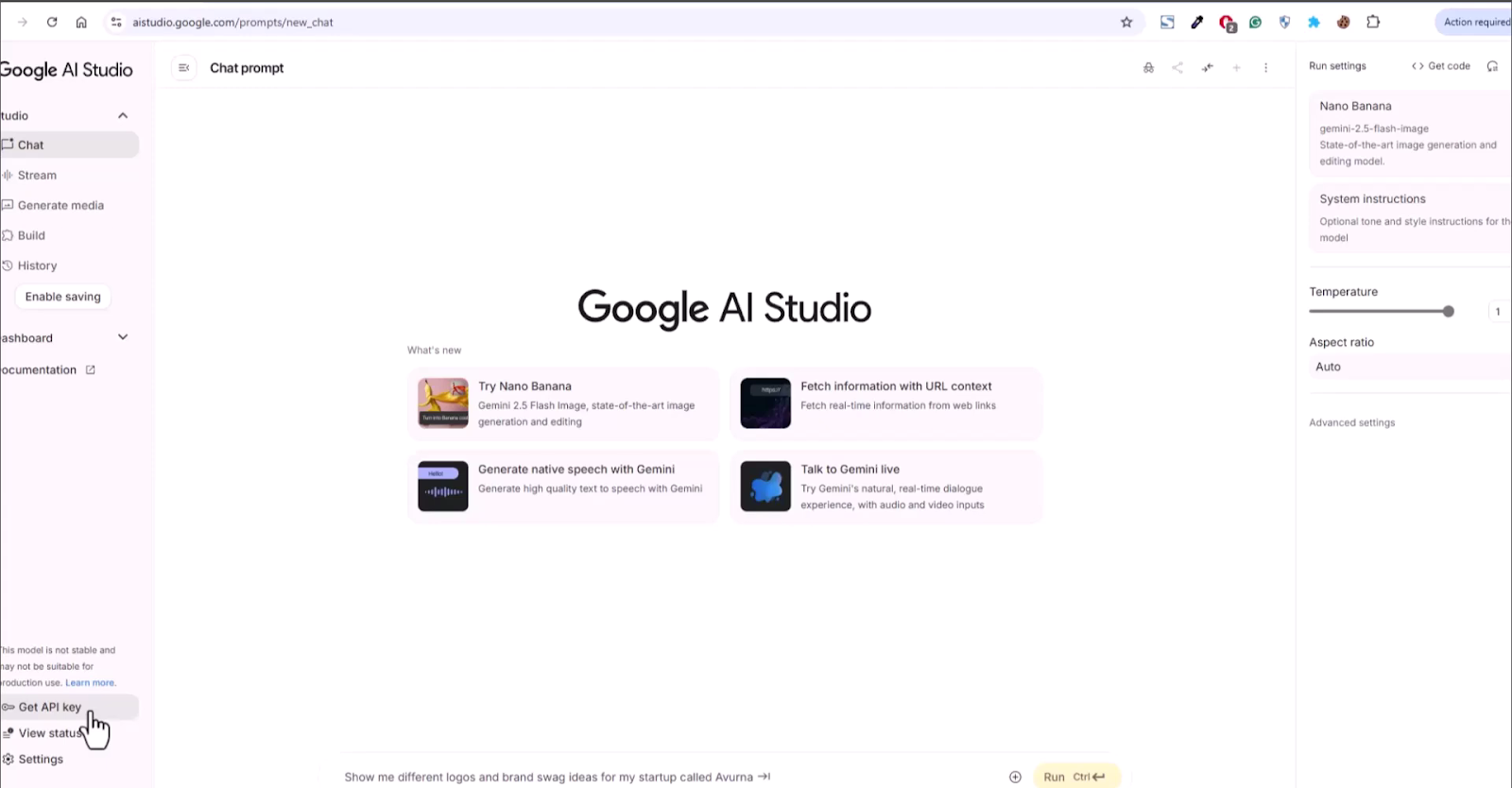
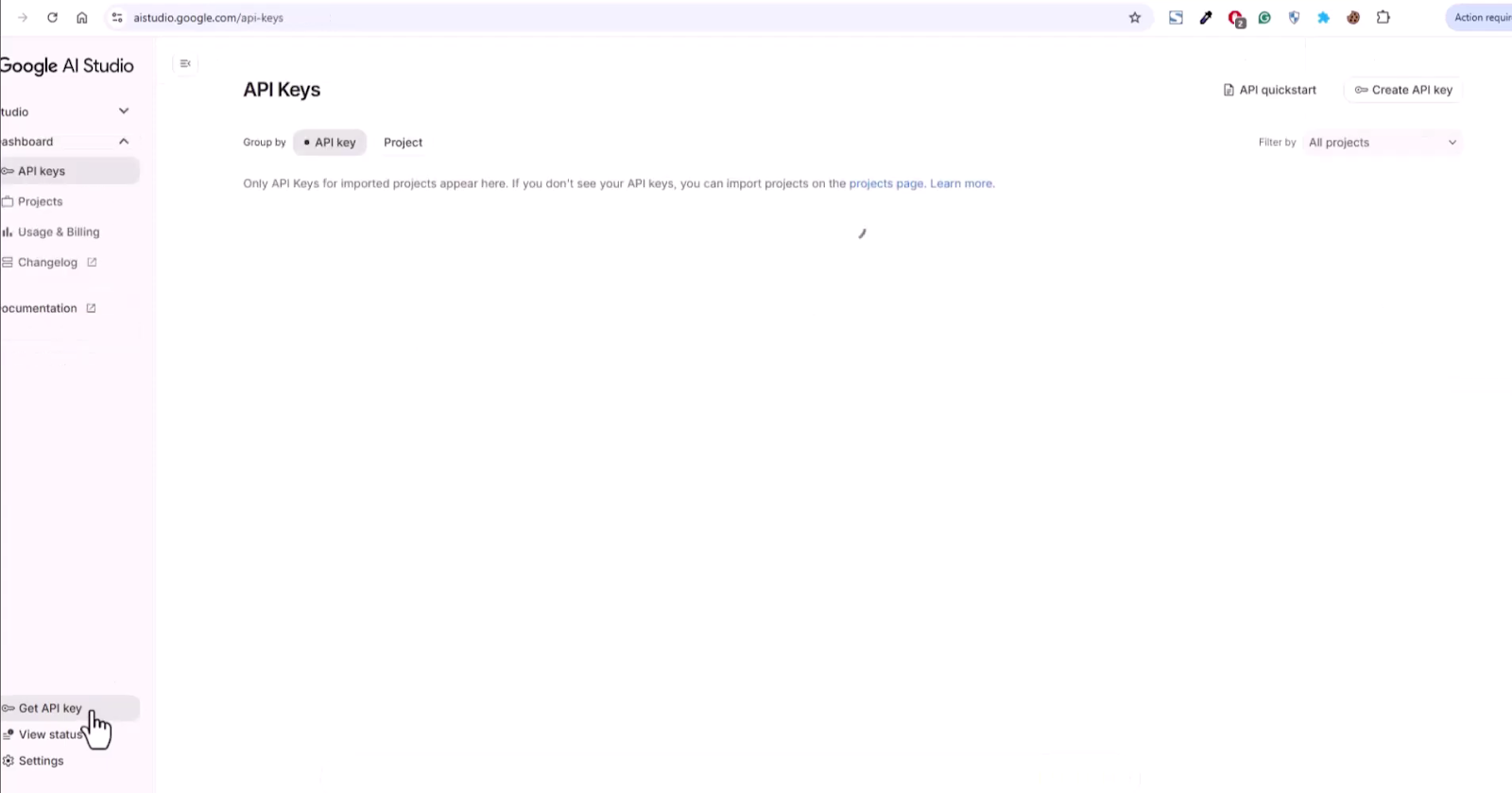
The API key grants ATB secure access to Google’s AI.
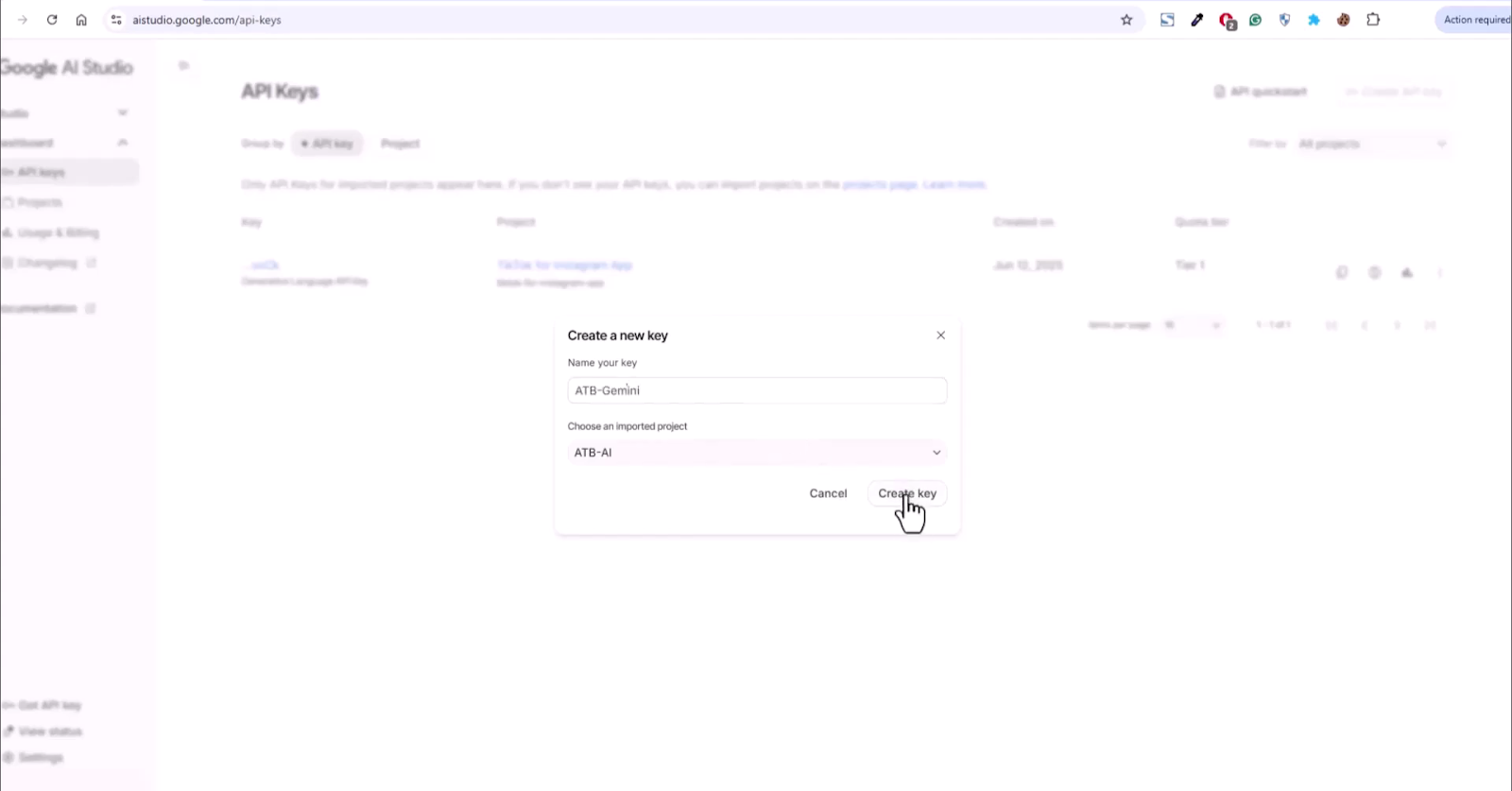
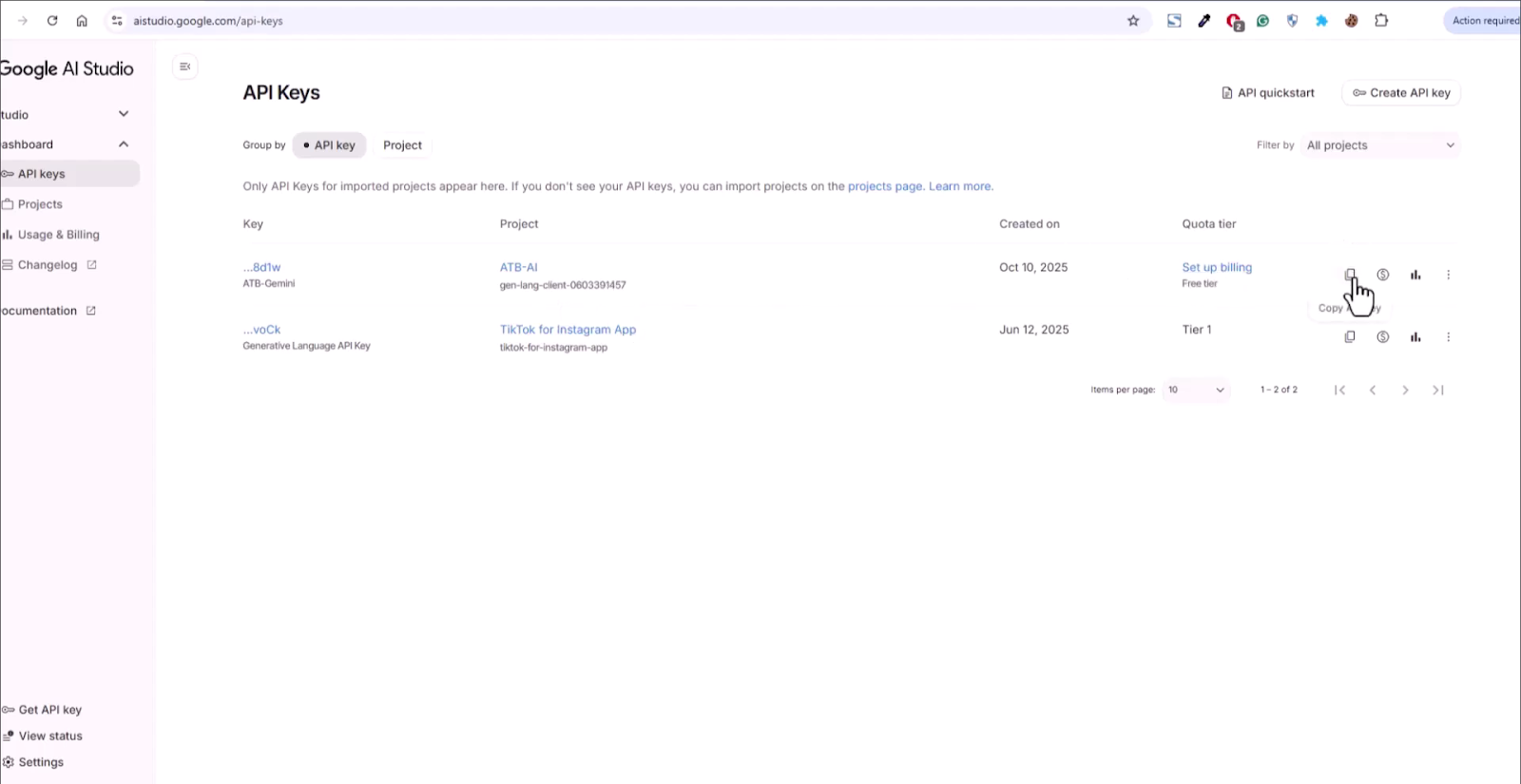
Now, let’s head over to the Awesome Traffic Bot and connect the key. As you can see, apart from Gemini, you have the flexibility to choose from other AIs like Grok or DeepSeek. You can even choose the Gemini model you are more comfortable working with.
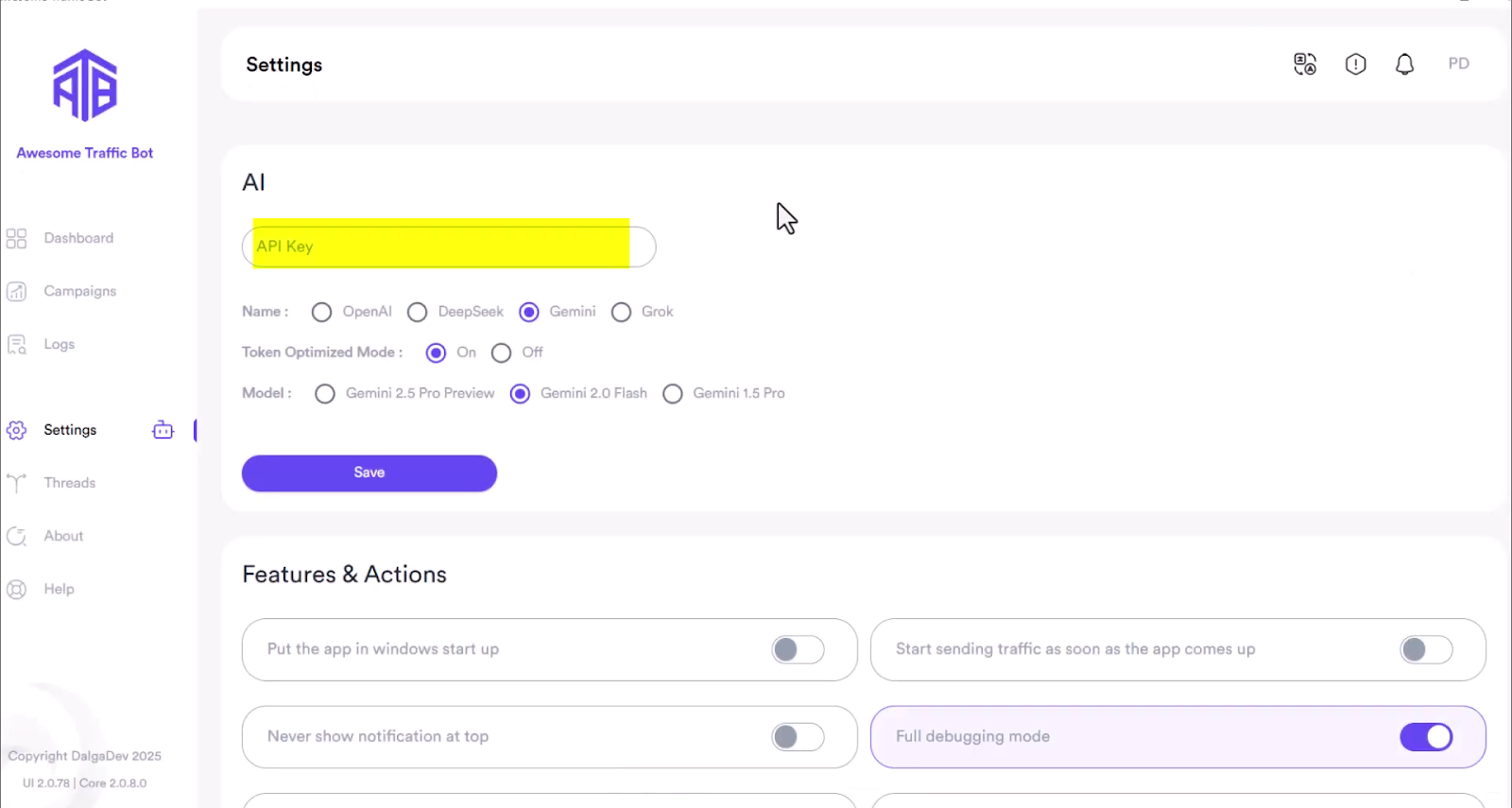
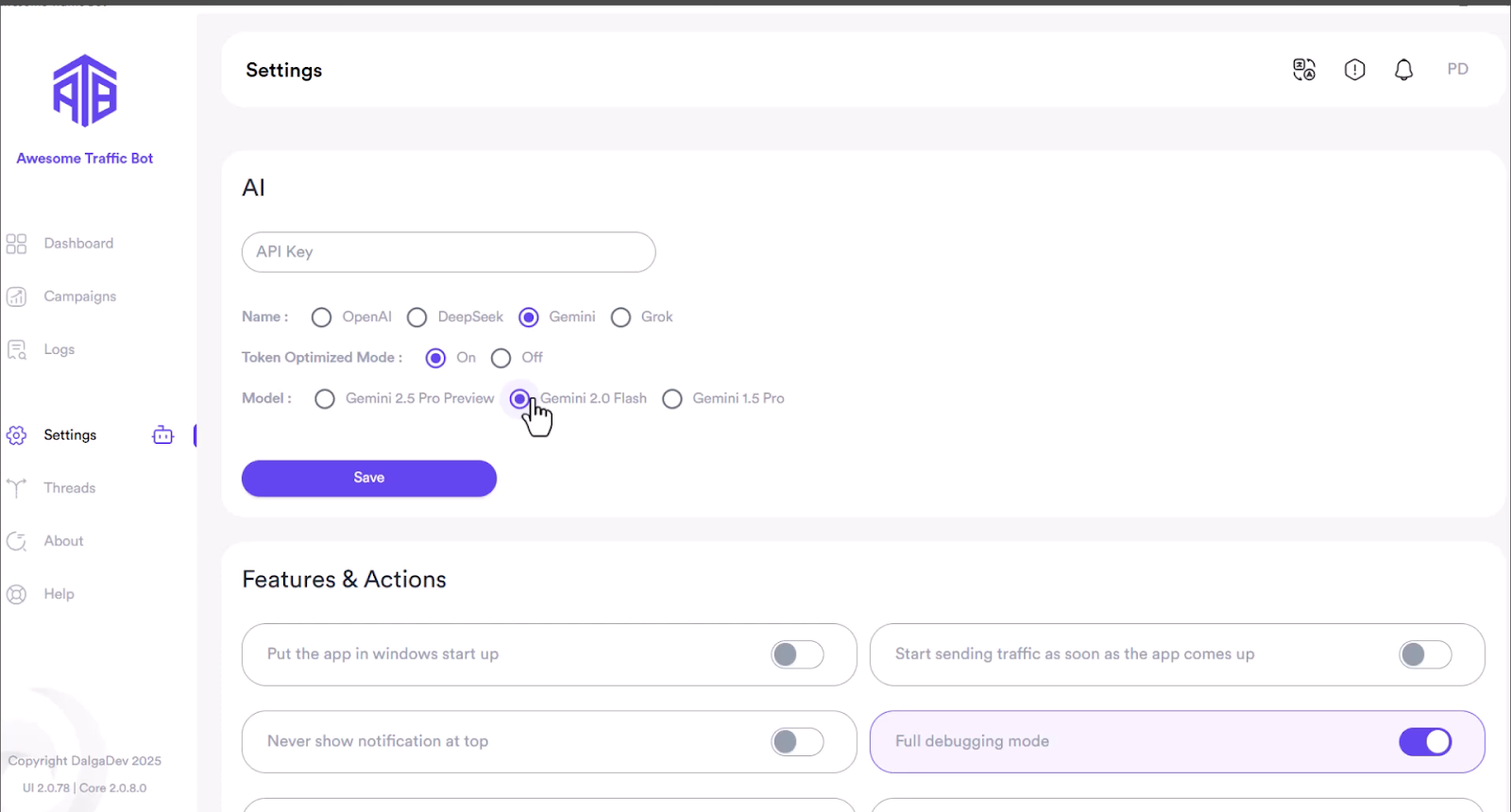
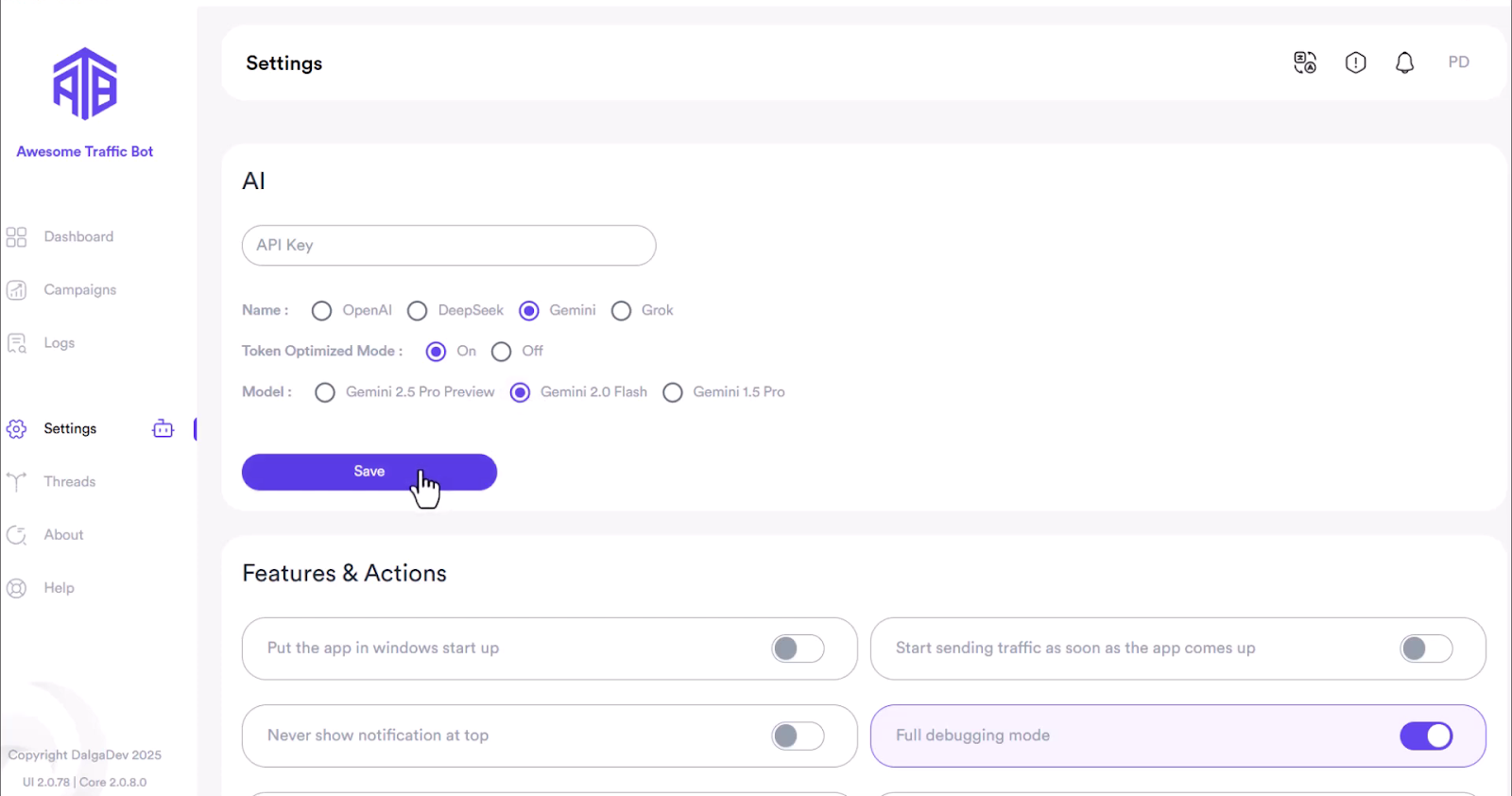
That’s it! Gemini AI is connected, and your ATB is prepared for your most intricate campaigns.
To show Gemini’s power, let’s automate a difficult task. We will set up a search campaign that books an appointment through a multi-step form.
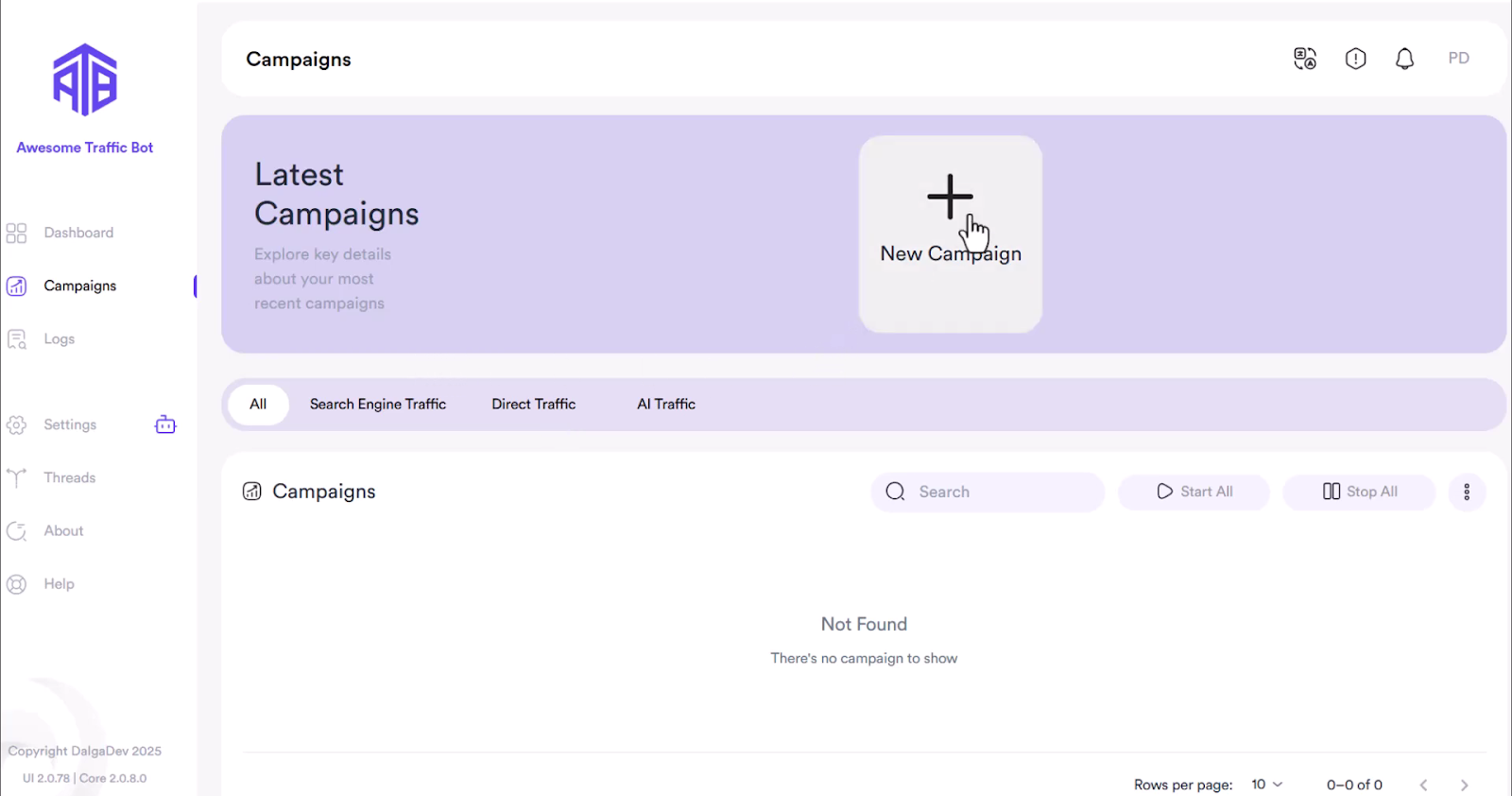
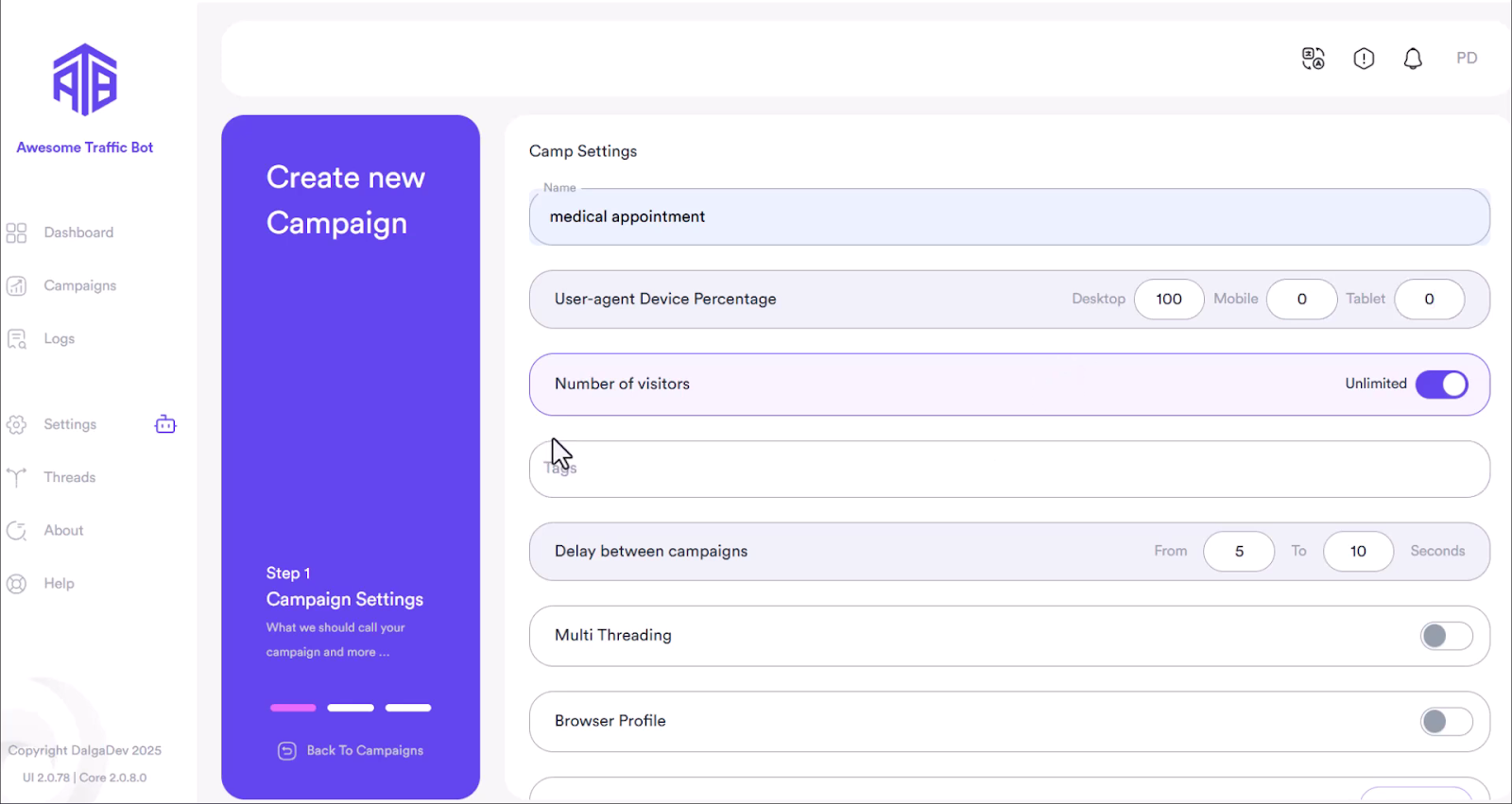
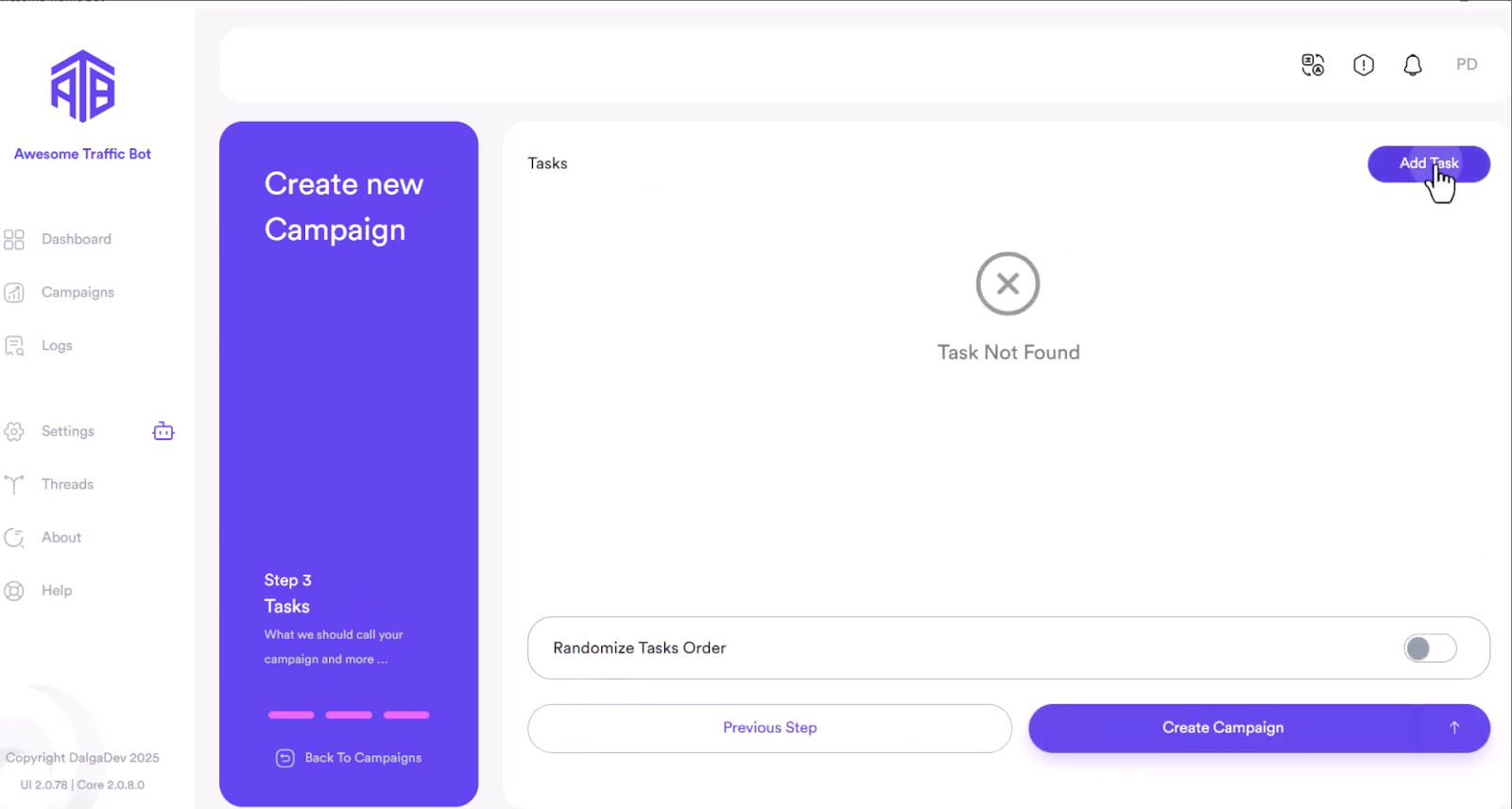
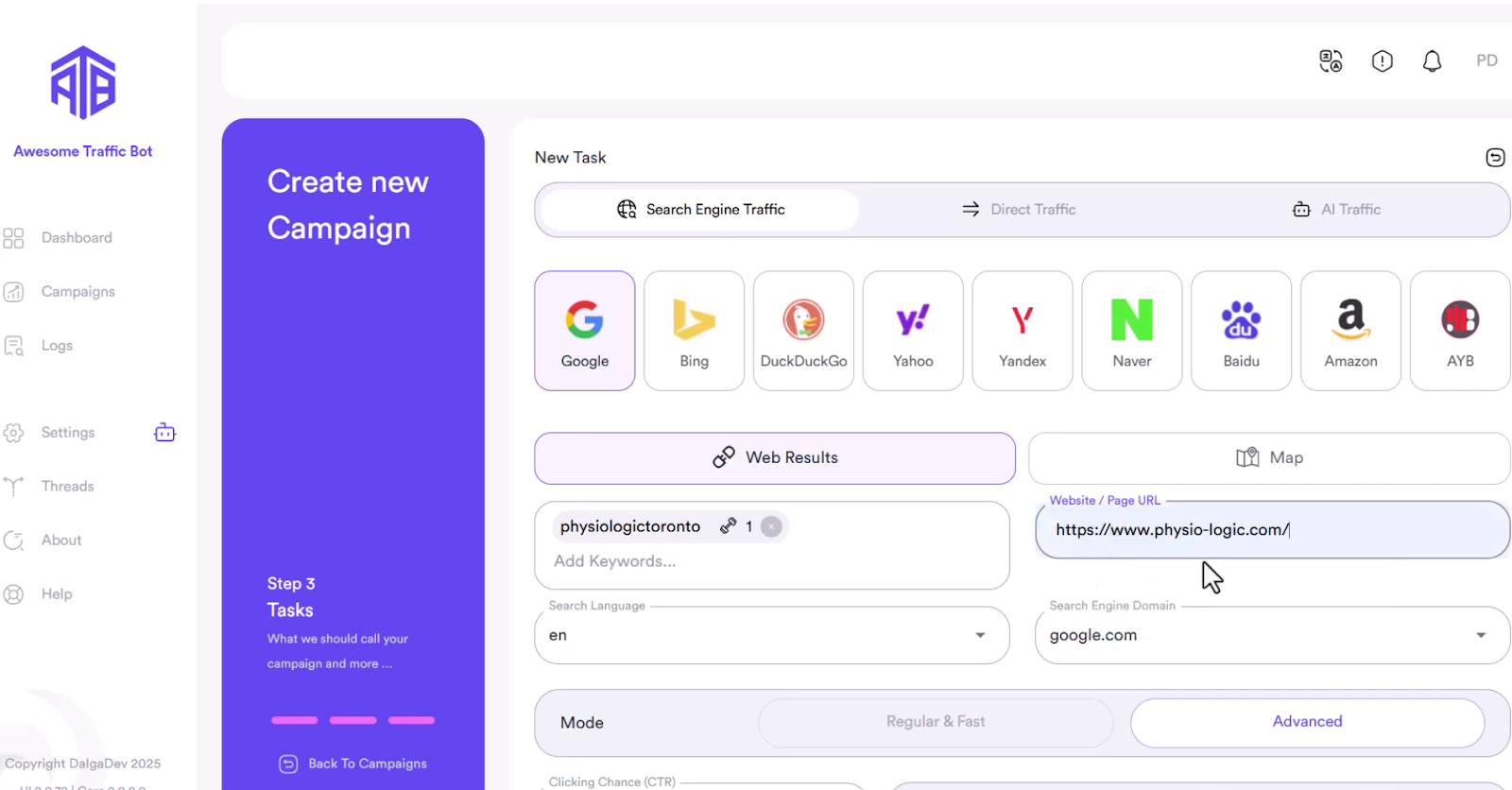
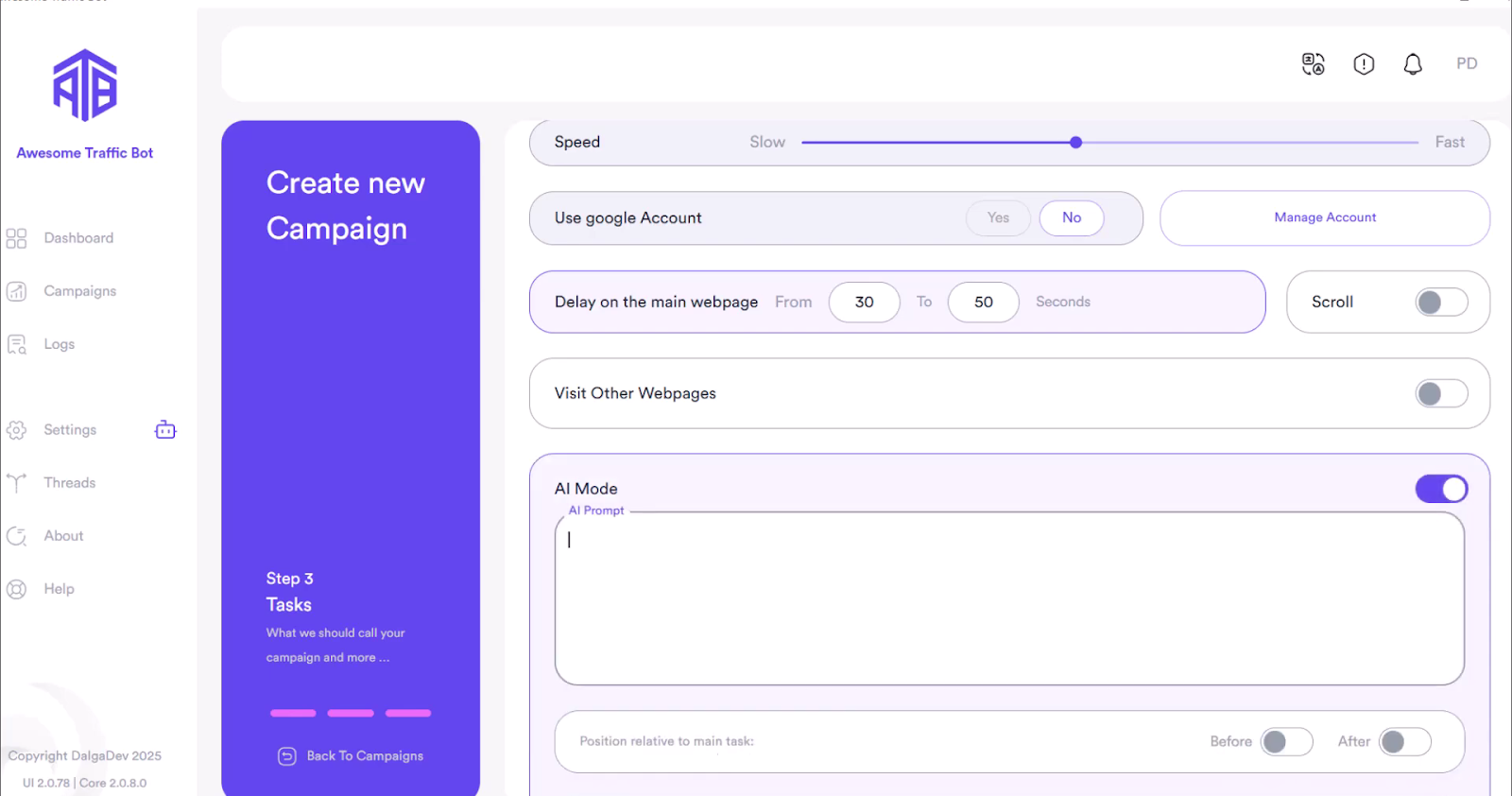
The AI mode is where the real intelligence lives.
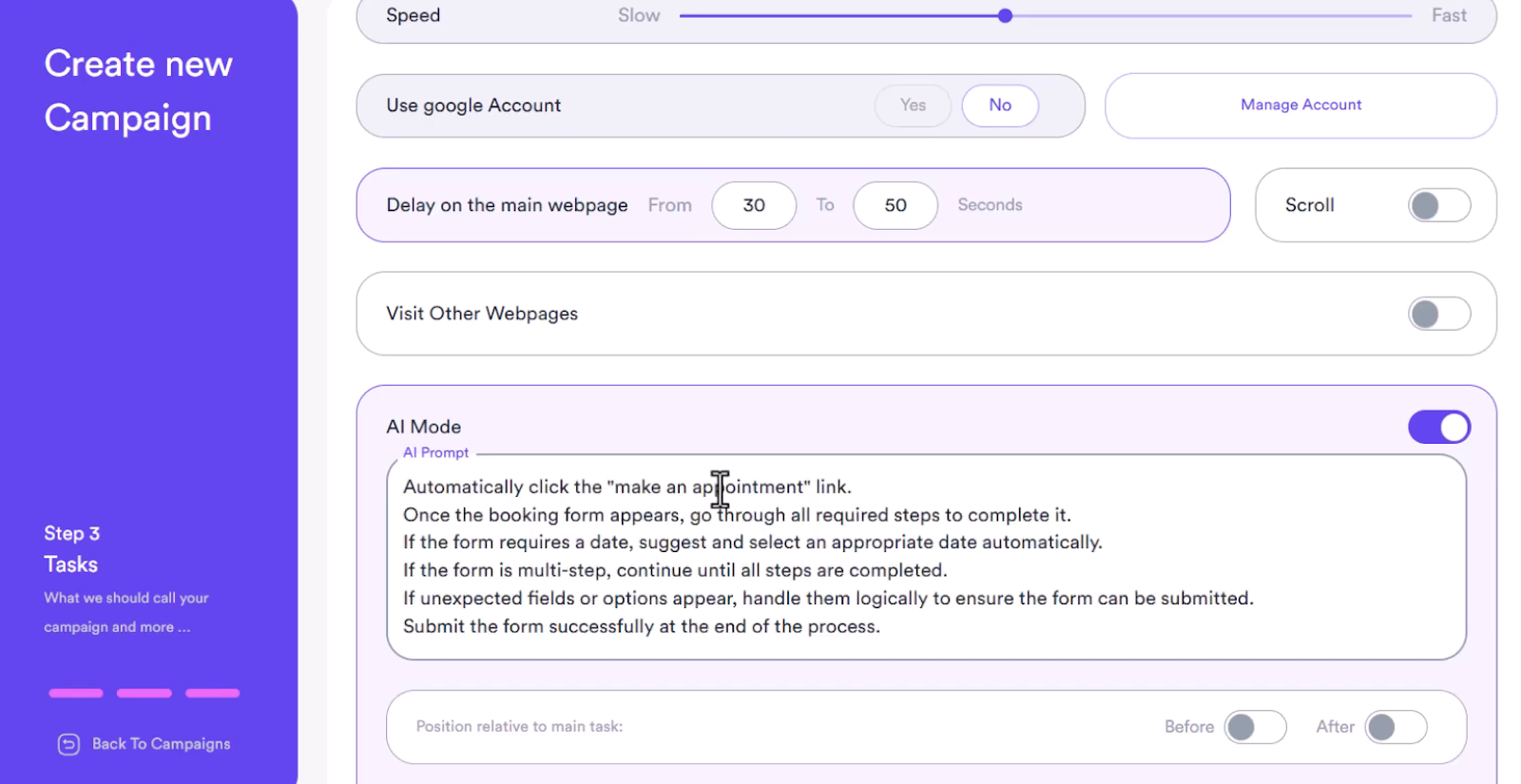
Once you hit Run, ATB handles the rest. It executes the Google search and clicks your link. The Gemini AI then takes over, analyzing the page. The AI correctly fills the multi-step booking form. This includes selecting the service, finding an available date, and even handling a mandatory login prompt by attempting to log in.

The entire complex flow is completed based only on your instructions. The campaign log records every action taken by the AI. This full log allows for in-depth analysis and easy optimization of future campaigns.
Absolutely not! That’s one of the best parts about Awesome Traffic Bot; we built it with your flexibility in mind.
Since ATB connects to external AI models via API, you get to pick the intelligence engine that best fits your specific campaign goals and budget. Think of it like choosing the right tool for the job.
Here’s a quick look at other AI models to choose from:
Awesome Traffic Bot (ATB) gives you complete control. It allows you to automate detailed user interactions, making sure you hit the precise CTR results you aim for. Plus, you have the flexibility to integrate Gemini or any other AI model you prefer to power those results.
Think your campaigns could use an upgrade? The AI features in Awesome Traffic Bot are worth checking out!
Q: Is the Gemini V2 Flash model expensive to use?
A: Gemini V2 Flash offers excellent value. It balances high-level reasoning with cost-effective pricing.
Q: Can I use Gemini for tasks other than form filling?
A: Yes, absolutely. You can instruct the AI to perform almost any action. This includes complex navigation, interacting with dynamic elements, or solving custom tasks.
Q: Can the AI handle forms that require login credentials?
A: Yes. If you include the required details and a clear instruction in the AI prompt, the bot will attempt the login step intelligently.