
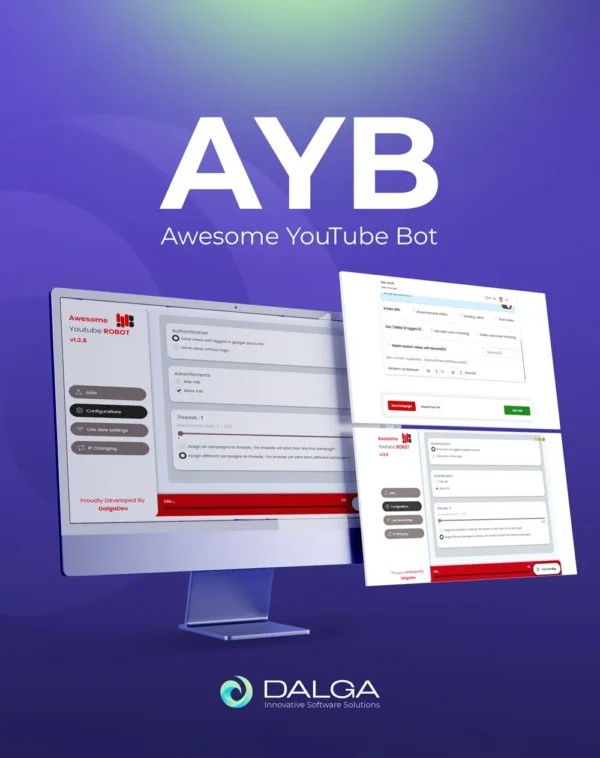

YouTube Bot Watch Time: How Long Should a View Be?
How long a YouTube bot watch time should be for a view to count, why a range beats a fixed value, and a table of 5 durations matched to video length.
 By Dalga team
6 min read
In-depth guide
By Dalga team
6 min read
In-depth guide
AYB · 5 durations by video length
- The 30-second floor for a counted view
- Why watch time should be a range
- Matching watch time to video length
YouTube bot watch time should be set as a range rather than a single value, with a floor of roughly thirty seconds, and the whole video for anything shorter than that. Below about thirty seconds a view often fails to register at all, so a campaign tuned for maximum throughput can produce sessions that cost bandwidth and count for nothing.
The second rule matters as much as the first: hundreds of sessions that all stop at exactly the same second form a pattern no amount of IP rotation hides.
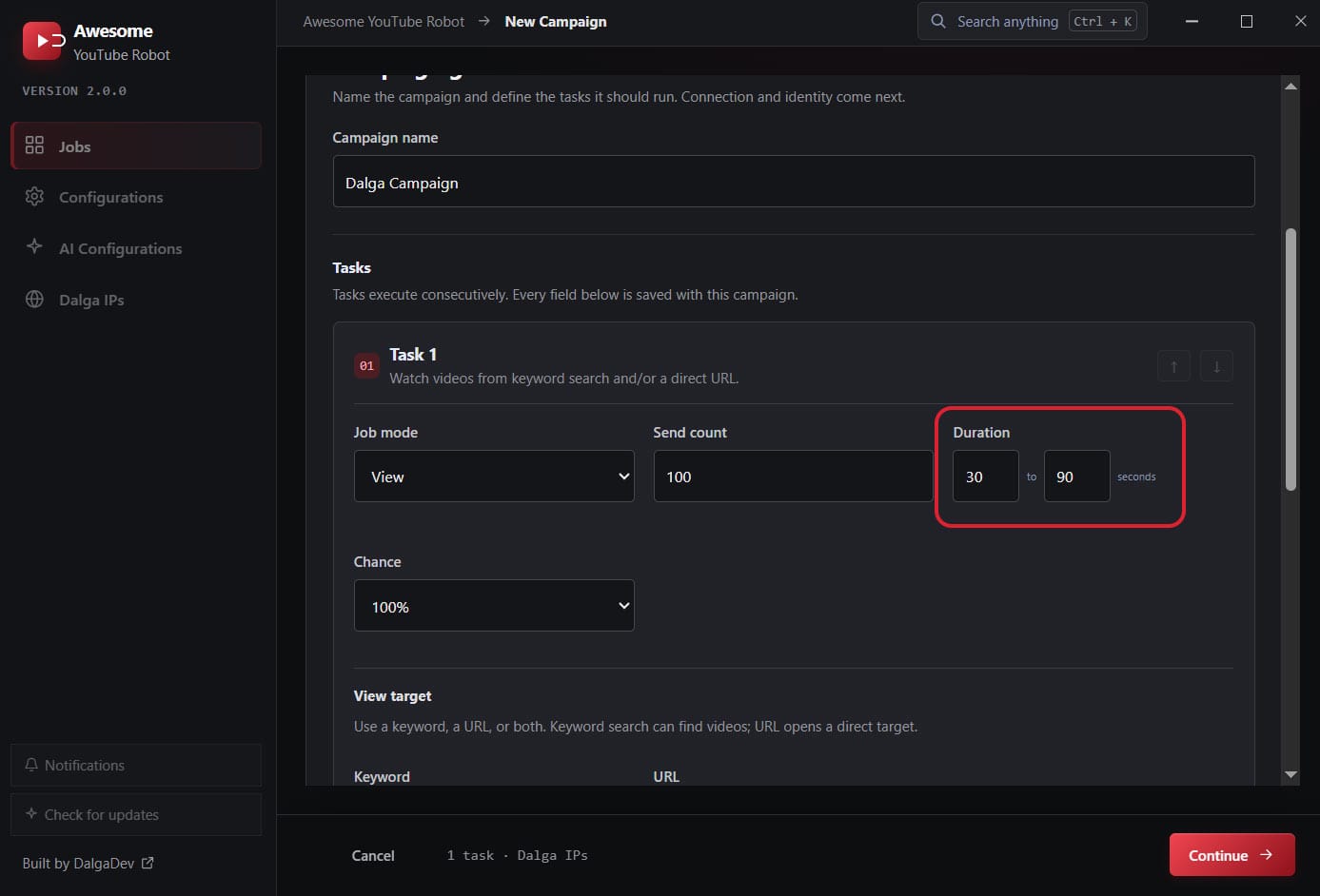
The thirty second floor for YouTube bot watch time
YouTube has never published an exact threshold, and any vendor quoting one to the second is guessing. What is consistent across experience and documentation is that a view is validated rather than counted instantly, and that genuine playback has to happen for a meaningful stretch before the platform accepts it.
Thirty seconds is the working floor most people converge on. Set YouTube bot watch time below it and you will see the familiar pattern: a view counter that rises during the campaign and then quietly settles back down a day later when validation catches up.
For short videos the rule changes shape. If the video is thirty seconds or less, it needs to be watched all the way through, because there is no partial watch long enough to satisfy the floor.
Why YouTube bot watch time should be a range
To see why YouTube bot watch time needs to vary, plot the retention curve of a real video. People drop off continuously: some leave in the first five seconds, plenty leave at the halfway mark, a minority watch to the end. The curve is smooth because human attention is not synchronised.
Now plot a campaign where every session watched for exactly sixty seconds. The curve has a cliff. Every viewer left at the same instant, which is not a thing an audience does. Setting YouTube bot watch time as a range, 30 to 90 seconds for example, scatters those exits and produces a curve with a shape rather than a wall. Awesome YouTube Bot takes duration as a minimum and a maximum for exactly this reason, and each session picks its own value inside that window.
Matching YouTube bot watch time to video length
| Video length | Suggested range | Reasoning |
|---|---|---|
| Under 30 seconds | Full length, every session | No partial watch clears the floor |
| 30 to 60 seconds | 25 to 55 seconds | Most of the video, with varied drop-off |
| 1 to 5 minutes | 45 to 150 seconds | A believable spread without paying for the whole file |
| 5 to 20 minutes | 90 to 400 seconds | Retention on long videos is genuinely low, so do not overshoot |
| Over 20 minutes | 2 to 8 minutes | Full watches on long videos are rare and expensive |
The instinct to maximise YouTube bot watch time is usually wrong. A twenty minute video where every session watches nineteen minutes has better retention than almost any real video on the platform, which is its own kind of implausible. The goal when using a bot for YouTube watch time is a retention curve that looks earned, not a perfect one.
Watch time is what your bandwidth bill is made of
YouTube bot watch time is the main driver of proxy cost, because bandwidth is roughly the streamed size of the portion watched, multiplied by the number of sessions. Doubling the watch time doubles the bill.
Two settings cut it without shortening the watch. Lowering the playback quality reduces the stream size directly, and leaving ad blocking on removes ad traffic that would otherwise be billed to your allowance. Both are covered further in our guide to YouTube bot proxies.
YouTube bot watch time and throughput pull against each other
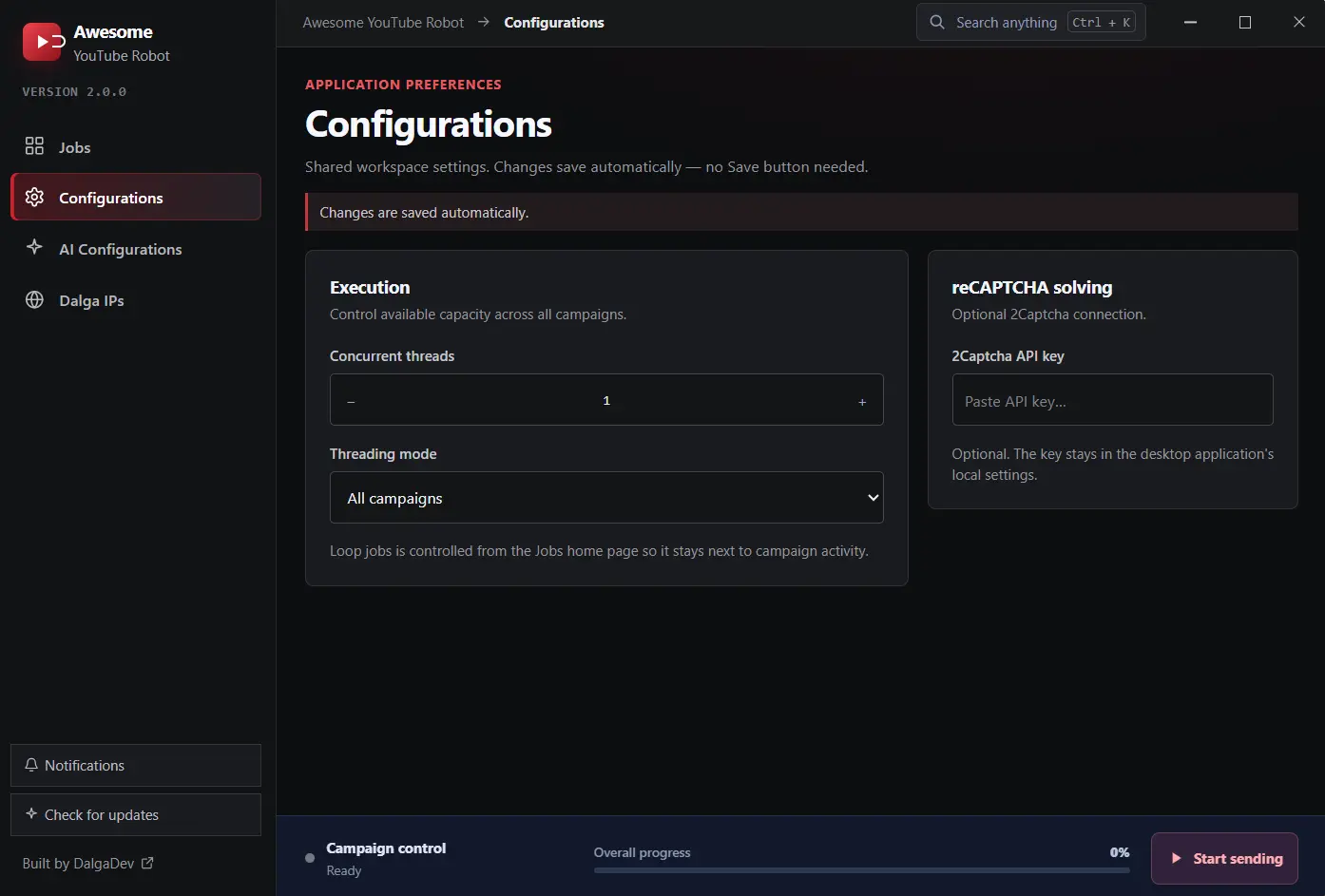
A thread is occupied for the whole session, so YouTube bot watch time sets your ceiling and the arithmetic is unavoidable. One thread at a sixty second watch produces one view a minute. Twenty threads produce twenty views a minute, or about twelve hundred an hour, before overheads. The thread count is one global setting, from 1 to 100, explained in the threads and capacity docs. Raise the watch to three minutes and the same twenty threads produce about four hundred an hour.
This is why quoted hourly figures should always be read alongside a watch duration. A large number attached to no duration is a short watch, and a short watch is the one that risks not counting.
Playback speed and quality
Playback speed changes how long a session takes without changing the YouTube bot watch time that gets recorded. It can be set, or randomised per session. It is tempting to run everything at double speed to halve the elapsed time, but the watch time YouTube records follows the video timeline rather than the wall clock, and a channel where every viewer watches at 2x is not a normal channel. Randomising across a narrow band is more sensible than fixing it fast.
Quality behaves differently. It has no bearing on whether the view counts and a direct bearing on bandwidth, so a lower quality setting is close to free savings on a campaign of any size.
A sensible starting YouTube bot watch time
- Duration range with a floor of 30 seconds, upper bound around a third of the video length.
- Full-length watches only for videos under 30 seconds.
- Playback speed randomised in a narrow band around normal, not fixed fast.
- Quality lowered, ad blocking on.
- Send count small for the first run, so you are testing whether views register rather than driving volume.
Duration, send count, playback speed and quality are all fields on a task in our YouTube view bot, so this starting profile needs no scripting. The field-by-field reference is in the Views and Watch Time docs.
YouTube bot watch time questions
What is the minimum YouTube bot watch time for a view to count?
Around thirty seconds of genuine playback is the working floor, and a video shorter than that should be watched in full. YouTube has never published an exact number, and it validates views after the fact rather than counting them instantly, so anything shorter risks being removed a day later.
Should YouTube bot watch time be the same for every session?
No. A fixed value produces a retention curve with a cliff where every viewer left at the same instant. Use a range such as 30 to 90 seconds so exits scatter the way they do on a real video.
Does longer YouTube bot watch time always help?
No. Retention on real videos falls off steeply, so a long video where every session watches most of it has better retention than almost anything genuine on the platform. It also multiplies your bandwidth bill and cuts throughput proportionally.
How does YouTube bot watch time affect how many views I can send?
Directly. A thread is busy for the whole session, so throughput is threads divided by watch duration. Twenty threads at sixty seconds is roughly twelve hundred views an hour; at three minutes the same twenty threads produce about four hundred.
Can I use faster playback to save time?
You can set or randomise playback speed, but recorded watch time follows the video timeline rather than the clock, and a channel where every viewer watches at double speed is not a normal channel. Randomise within a narrow band instead of fixing it fast.
Does video quality change whether a view counts?
No. Quality affects bandwidth and nothing else relevant here, which makes lowering it one of the cheapest optimisations available on a campaign of any size.
Sources
Awesome YouTube Bot
Awesome YouTube Bot automates views, watch time, likes, and comments with a full toolkit of IP-changing methods. Supports multiple campaigns, accounts, and targeting options.
- per month, annual plan ($299/yr)
- $24.90
- per month, monthly plan
- $49
- devices
- 2
Written by the Dalga team
We design and build Dalga products. Guides and release notes live on the blog, and every setting is documented on docs.dalga.dev.
Keep reading
All YouTube postsSend Views From YouTube Search: Easy 2026 Guide
How to send YouTube search views instead of direct traffic, in 5 easy steps: keyword choice, campaign setup, IPs, identity, and reading the Studio report.
Awesome Traffic Bot 2.3 Is Out: AI Agents, Smarter Workflows and 3 Other New Features (2026)
Awesome Traffic Bot 2.3 lets an AI agent build and run your campaigns, gives workflows a plan B when a step fails, and cuts proxy traffic. Here is…
Traffic Bot With Residential IPs: Why Built-in Dalga IPs Beats Bring-Your-Own Proxies
Why the IP decides whether a click counts, what built-in residential IPs change, real bandwidth math, and when your own proxies still make sense.