
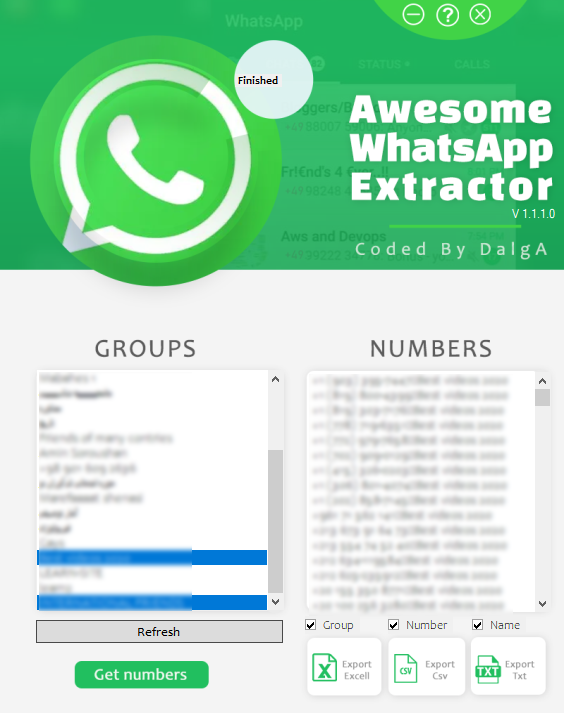
Awesome WhatsApp Extractor pulls every member from ALL your WhatsApp groups in seconds — export names and numbers to Excel, CSV, or TXT with one click.
Price: 59
Price Currency: USD
Operating System: Windows 7,Windows 8.1,Windows 10
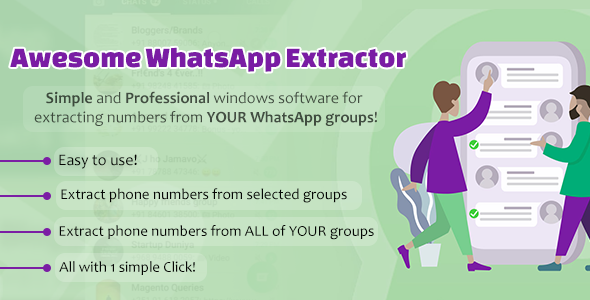
WhatsApp is one of the most reliable instant messaging services. It is a wildly popular free messaging service. Many people use WhatsApp via their smartphones. it can also be used on a desktop or laptop. WhatsApp lets you create a group with a maximum of 256 members. When you want to extract all members from your WA groups, you may end up downloading some apps. If you want to do this as simply as possible, the Awesome WhatsApp Extractor is here for you.
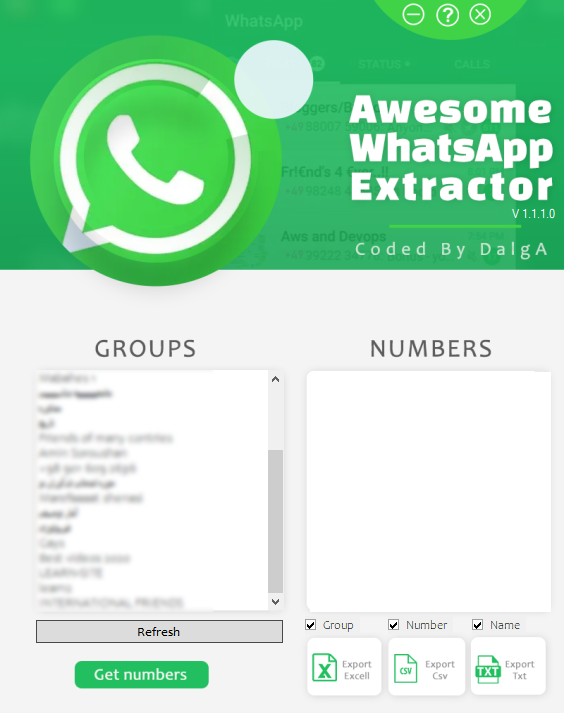
Through this software, you can extract all numbers (members) from ALL of your WhatsApp groups. Then you can save the extracted data as an excel sheet/Txt file with only ONE simple click. With this software, you will save a lot of time and be easy to follow up. Don’t miss any numbers from your potential customers and increase your sales now!
Sure yes!
No, You can extract the numbers from every group without being an admin — regular membership is all the WhatsApp extractor needs to read the member list.
It depends on your internet speed on your mobile and PC, usually, it takes only 15 seconds for extracting all of the members of 1 group.
Yes! AWE can work every day and every hour — leave it running and collect fresh contact lists around the clock, even on a rented Windows Server.
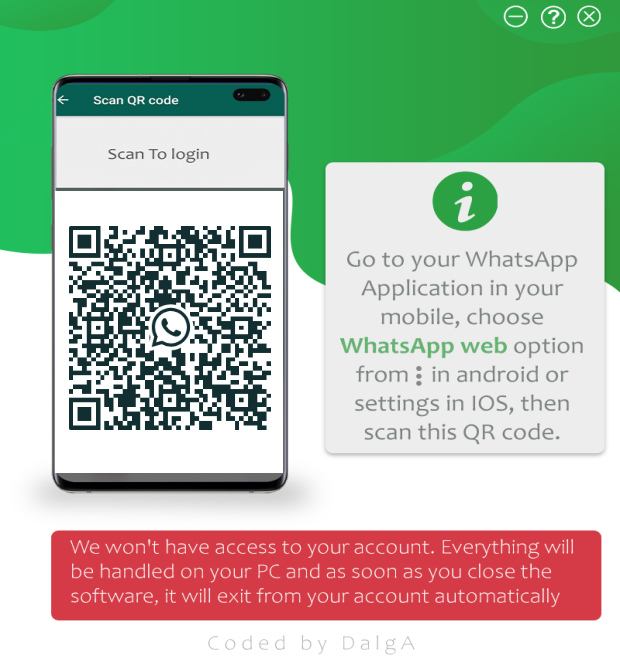
Link your WhatsApp account, open the WhatsApp extractor on your PC, and select the groups you want. AWE reads every member and hands you a clean contact list — names, numbers, and group names — ready to export with one click. Marketers use the lists for WhatsApp campaigns and follow-ups, community managers use them to migrate or back up groups, and sales teams use them to make sure no potential customer slips away. Extraction runs at roughly one group every 15 seconds, and it works on your desktop, laptop, or a Windows Server (RDP) machine.
–Extract numbers from UNLIMITED groups with just 1 Click
–Extract numbers to .XLS and .CSV and .TXT
–Select what you want to extract (Name, Number,Group name)
–Everything is built-in and easy to use
–ON-Time Status
–User-friendly UI and UX
–A real 24/7 Support
* You can use AWE only on 1 system with a license that you buy.
* You will get an executable file, the source code is NOT included.
If you didn’t find your wished feature here, you can send a message to us and we can customise the WhatsApp Extractor for your work!
The WhatsApp extractor saves your lists as Excel (.XLS), .CSV, or .TXT files — ready for your CRM, bulk sender, or spreadsheet.
1. Net Framework 4.6 or upper
2. A WhatsApp account that is enabled in a mobile
3. Windows 7, 8.1, 10 / Windows Server 2012 R2 and above
4. 512MB RAM or upper. ( Recommended +1GB)
5. 1Core – 1000 MgHz CPU or upper
6. Latest version of google chrome
– V1.1.1 ( 2021/04/23)
- Speed and performance increased.
- Bug fixes
– V1.1.0 ( 2021/03/22 )
- Great improvements on the functionality and performance.
– V1.0.2 ( 2020/07/28 )
- Bug fixes and Improvements
– V1.0.1 ( 2020/07/02 )
- UI and function improvements
– V1.0.0 ( 2020/06/29 )
- Software lunched
| License Duration | Lifetime |
|---|---|
| Supported Operating Systems | Windows 10, Windows 7, Windows 8.1, Windows Servers (RDP) |
| Number of devices supported | 1 Device |
| Free Support Duration | 6 Months |
| Free Installation Service Included | Yes |
| duration | 1day, life time, 1 day free |
Read verified feedback from our customers.


Awesome YouTube Bot
From: $49.00 / month
Awesome YouTube Bot automates views, watch time, likes, and comments with a full toolkit of IP-changing methods. Supports multiple campaigns, accounts, and targeting options.
…